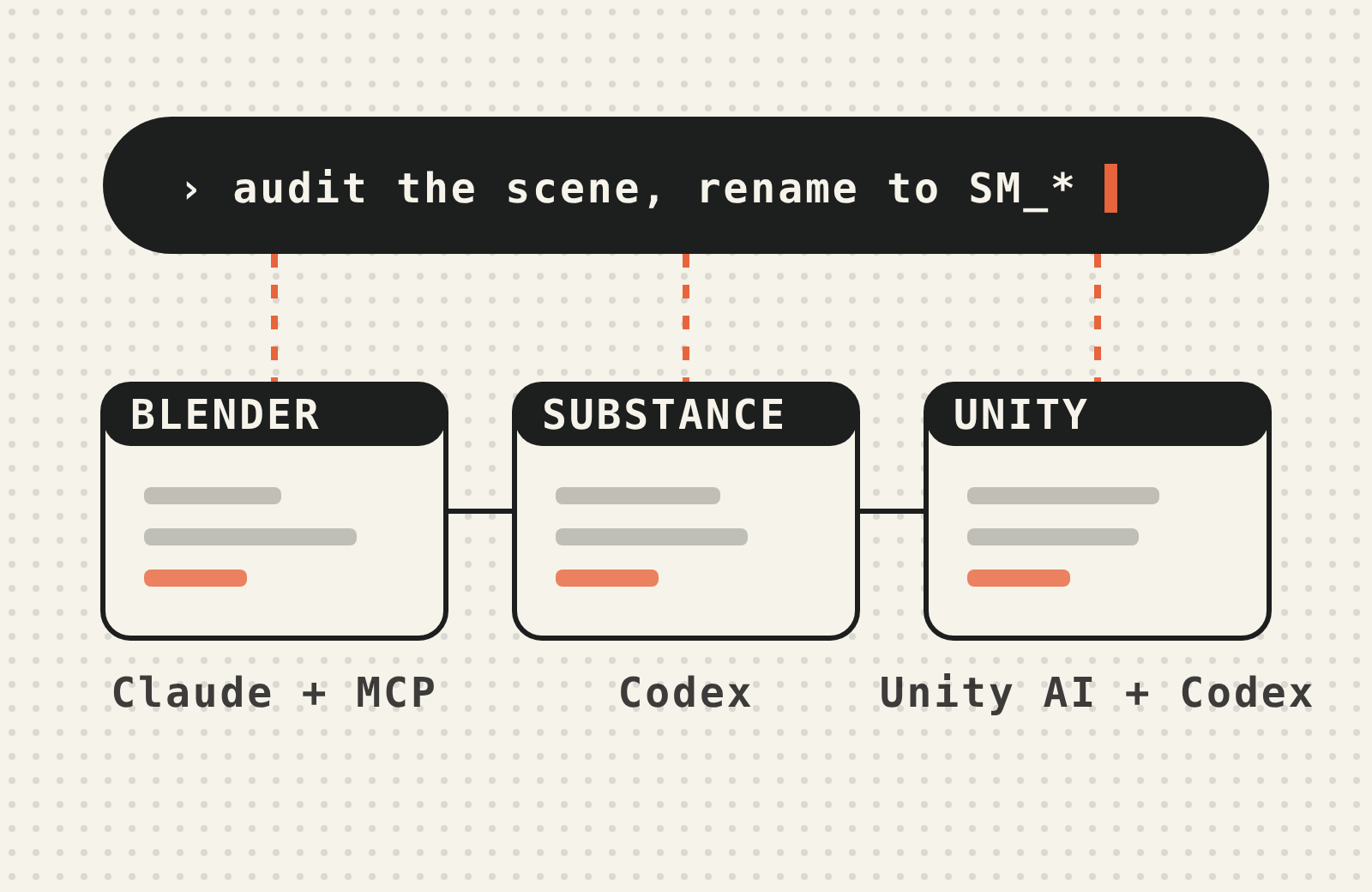
Most of my week happens across three tools: Blender for modeling and scene setup, Substance 3D Painter for texturing, and Unity for lighting, interaction and the build. The art decisions live inside those tools. The time sink usually lives between them: naming, pivots, export settings, import settings, checks I have done a hundred times.
That gap is where AI has earned a place in my workflow. Not as a button that makes a finished asset, but as a set of assistants that each do one kind of repetitive work while I keep the look, the scale and the performance budget in my own hands.
The rule: AI handles the glue, I handle the look
Before any tool gets a task, I ask one question: if this goes wrong, will I notice immediately? Renaming a hundred objects, auditing UVs or writing an import rule are easy to verify. Deciding how worn a metal surface should look, or how a training room should feel in VR, is not. The first kind I delegate. The second kind stays with me.
Blender + Claude over MCP: audits and cleanup
Blender MCP connects Claude to a running Blender session through the Model Context Protocol, so it can read the scene and run Python against it. That is powerful, which is exactly why I start every session read-only.
- Scene audit first. I ask for a report: objects with unapplied scale or rotation, meshes without UVs or with overlapping islands, n-gons on deforming parts, missing materials, and names that break the project convention.
- Then small, scoped fixes. Batch renaming to a
SM_/M_convention, setting origins to the base of props, sorting objects into export collections, applying transforms on a selection I name explicitly. - Always on a copy. Changes run on a duplicated .blend and I read the Python it executes. If I cannot explain a line, it does not run.
The win is not that Claude models anything for me. It is that the boring half hour before every export becomes a two-minute conversation followed by a review.
Substance Painter: Codex writes the small tools
Inside Substance 3D Painter I keep generative tools out of final materials. Where AI helps is the Python layer around it. I describe the tool I want to ChatGPT Codex, then review and test what it writes:
- An export helper that checks texture-set names against the mesh names coming from Blender before anything is written to disk.
- Export presets that pack channels the way the target Unity pipeline expects, so I am not rebuilding a mask map by hand for every set.
- A pre-export checklist that flags missing channels and unexpected resolutions per texture set.
Each of these is a few dozen lines. Writing them myself was always possible; Codex makes it cheap enough that I actually do it.
Unity: Unity AI in the Editor, Codex in the repo
Unity AI arrived in Unity 6.2 with an in-Editor Assistant and Generators. I use them for different things:
- Assistant for project questions. Explaining a console error in context, finding which objects use a material, or drafting a small editor script I then read through. It sees the project, which makes its answers more useful than a generic chat.
- Generators only for placeholders. A temporary texture or sound so a greybox scene can be tested by real users early. Placeholders are named and tracked so they are replaced before anything ships.
- Codex for the pipeline code. Asset import rules that enforce compression and mesh settings, a validation menu that checks naming and polycount budgets, and small refactors across editor tools. The repository has an
AGENTS.mdthat spells out naming conventions, folder structure and performance budgets, so every task starts from the same rules.
The guardrails I keep
- Version control before every agent run. If I cannot roll it back in one step, it is not a small task.
- Read-only first, then write. Audits and reports before any change.
- Measure, do not assume. An AI-written optimisation is a hypothesis until the profiler agrees on the target device.
- Know where every asset came from. Generated content is marked, and licensing and client rules are checked before anything leaves the greybox stage.
- No client material in prompts unless the project allows it.
What actually changed
The quality bar did not move, and the creative decisions did not get faster on their own. What changed is where my hours go: less time in cleanup, export and import plumbing, more time on lighting, interaction details and testing in the headset. For real-time 3D and XR, that is where the experience is decided anyway.
References & Resources
Official documentation and further reading.
- Unity Manual — Unity AIdocs.unity3d.com
- Unity Manual — Getting started with AI (Assistant modes)docs.unity3d.com
- BlenderMCP — connect Blender to Claudegithub.com
- OpenAI — Introducing Codexopenai.com